Digital Planners
How to Start Digital Planning in 2026: A Beginner Setup Guide
New tablet, blank planner, no idea where to start? Set up the three pages you will actually use every day — Goodnotes, Notion or printable — in one sitting.
Pick one app and stay a month
Goodnotes, Notability and Notion all work. The app matters far less than using the same one daily for a month, so choose the one your device already supports well and stop comparing.
Set up only three core pages
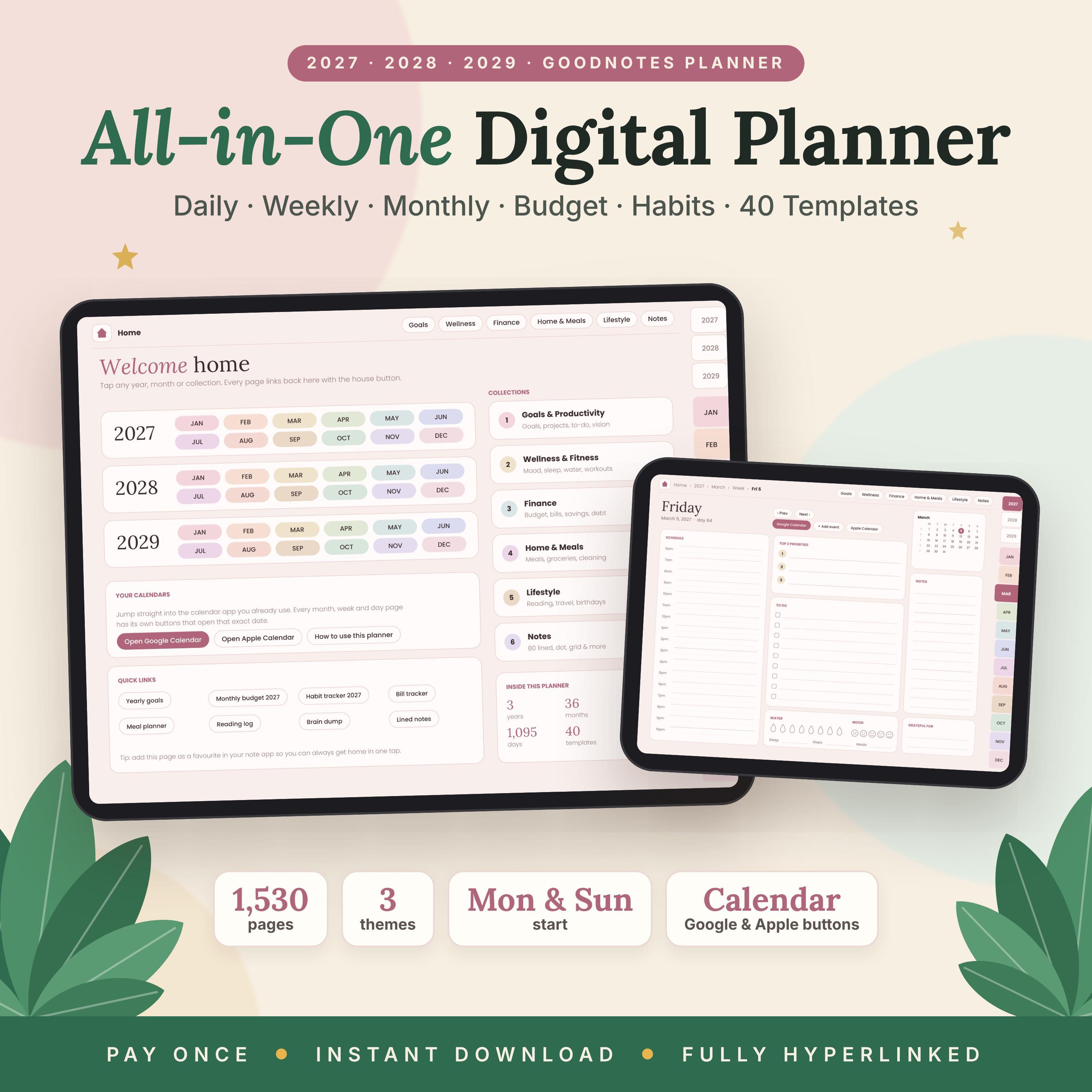
A month view for deadlines, a week view for your plan, and a daily page for today. Everything else — trackers, journals, collections — gets added only after these three are a habit.
Plan the night before
Two minutes in the evening: move unfinished tasks forward honestly, pick tomorrow's top three, and close the planner. Morning-you starts with a plan instead of a decision.
Review weekly
Once a week, flip through the past week, note what actually got done, and set next week's top three. This ten-minute review is what turns a planner from decoration into a system.