Resume & Career
How to Write an ATS-Friendly Resume in 2026 (Step by Step)
Most large employers scan resumes with software before a person sees them. Here is how the scanning works, and how to format your resume so it survives it — and gets read.
What an ATS actually does
An applicant tracking system (ATS) reads your resume as plain text, pulls out your name, job titles, employers, dates and skills, and ranks you against the keywords in the job posting. If the file cannot be parsed cleanly, a qualified candidate can be filtered out before any human looks.
The formatting rules that matter
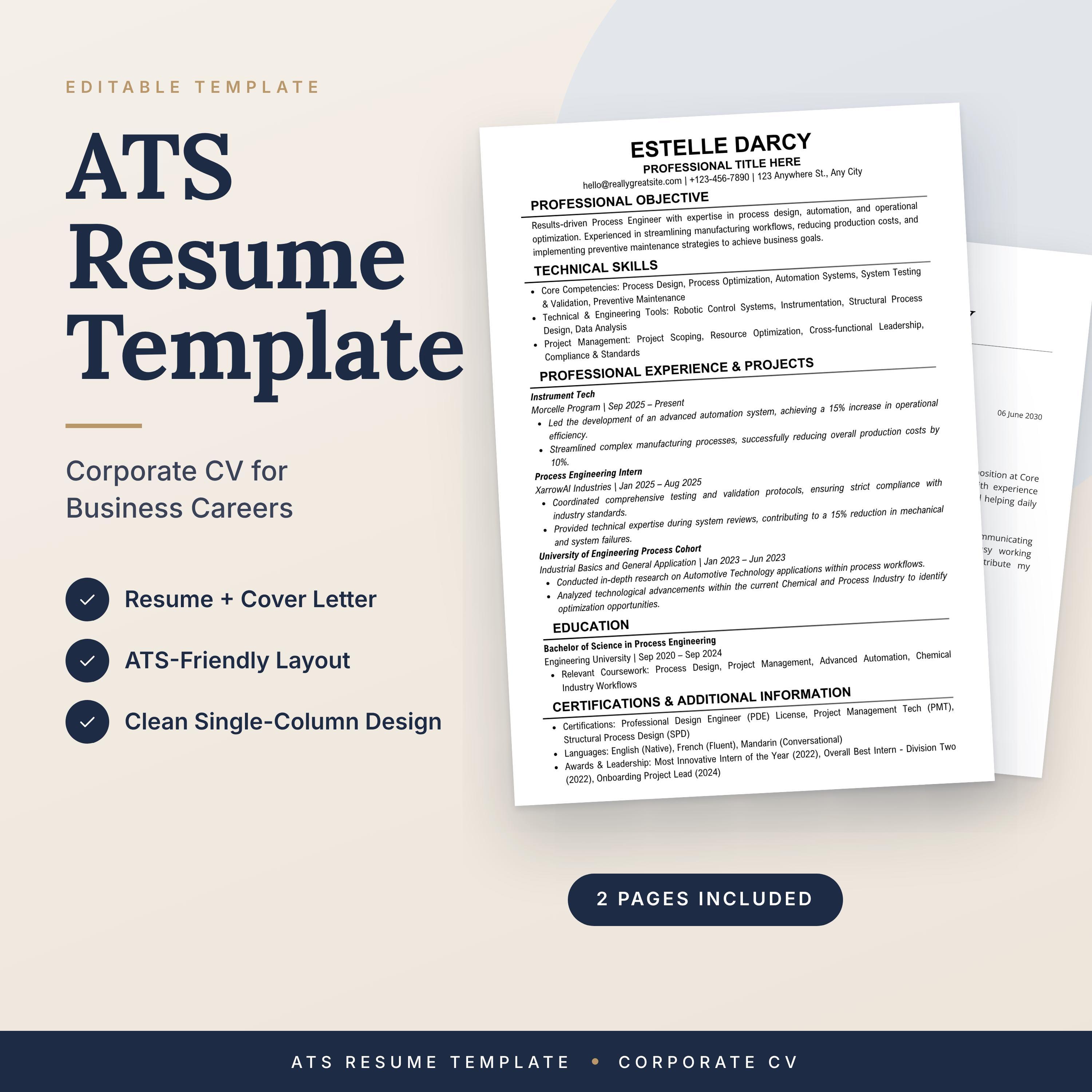
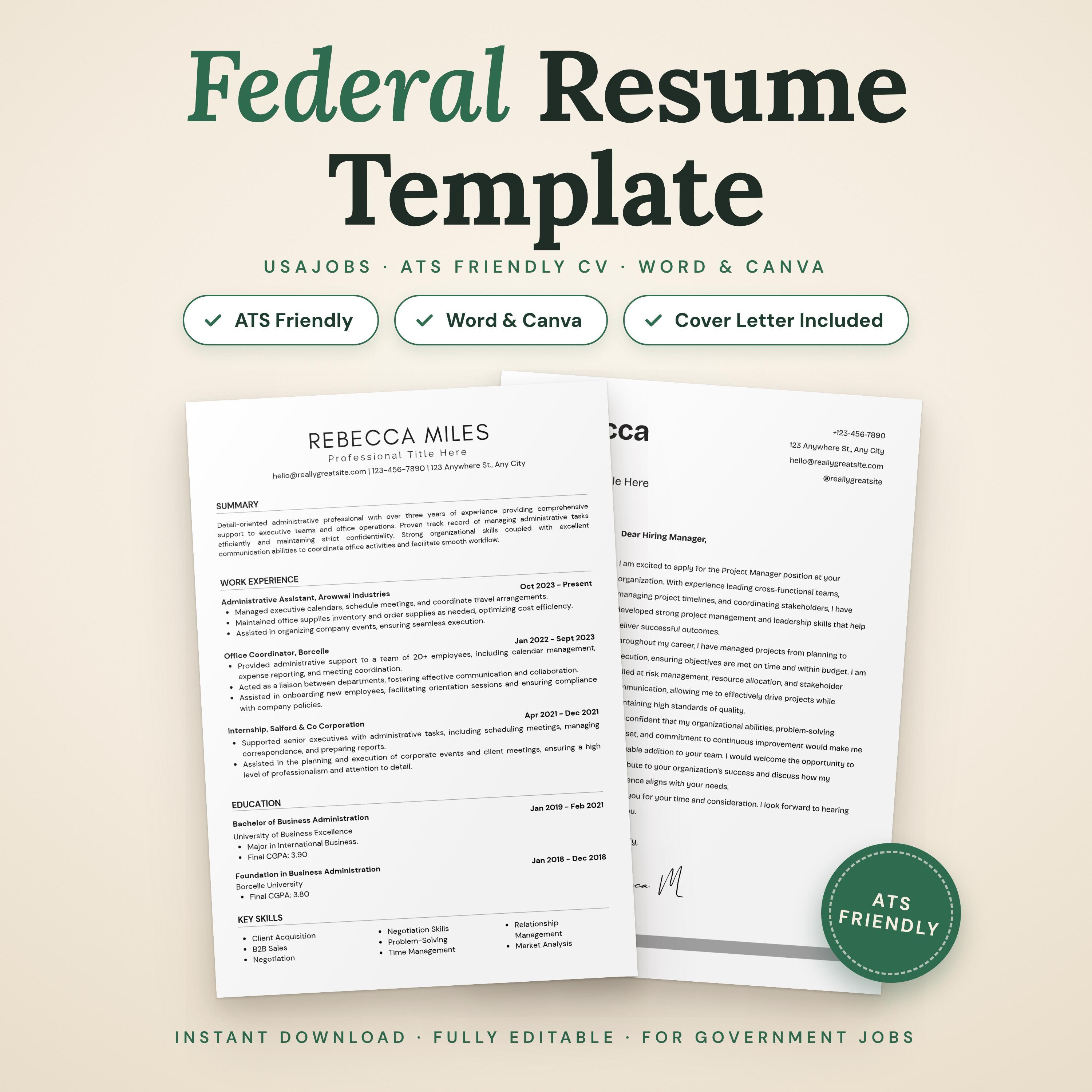
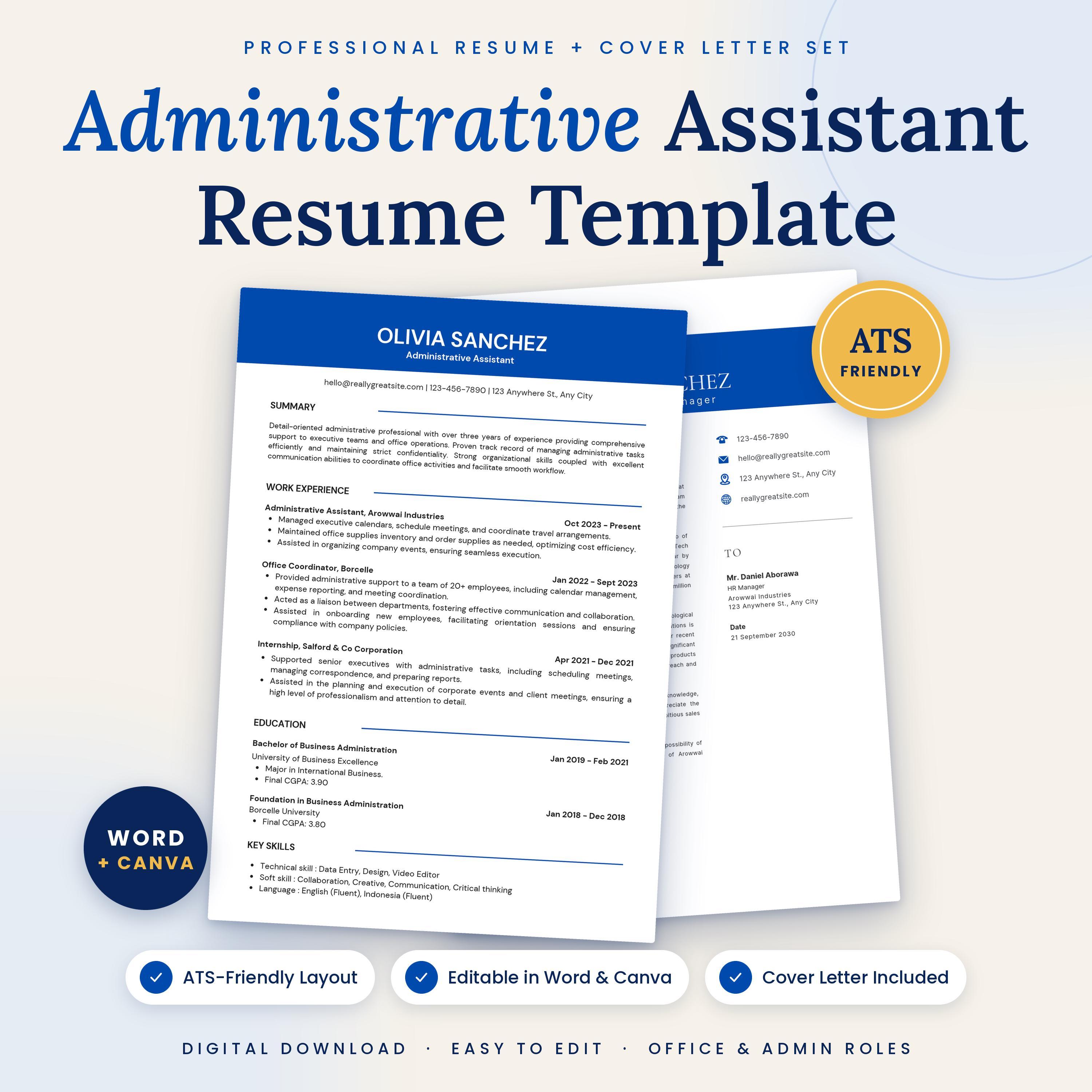
Use a single-column layout, standard headings such as Experience, Education and Skills, and a normal font. Avoid tables, text boxes, headers/footers for key information, and graphics that carry words — most systems cannot read them.
Keywords, honestly used
Copy the exact skill words from the job posting only where they are true for you. Mirror the job title language in your summary, list tools by their real names, and never hide white-text keywords — recruiters and modern systems both catch it.
A quick pre-send checklist
Save as .docx unless the posting asks for PDF. Check the file opens cleanly, your email and phone are typed as text, dates are consistent, and every achievement starts with a strong verb and, where possible, a number.